Lunzoa
Fardriver Bluetooth Dongle
Fardriver Bluetooth Dongle
Couldn't load pickup availability
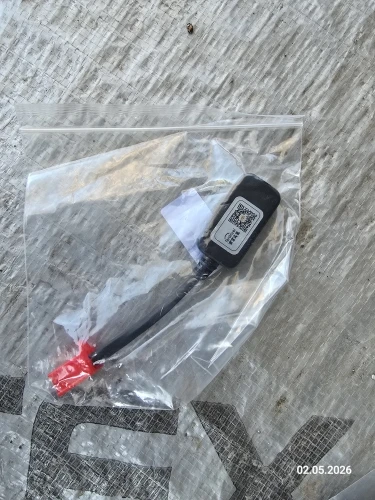
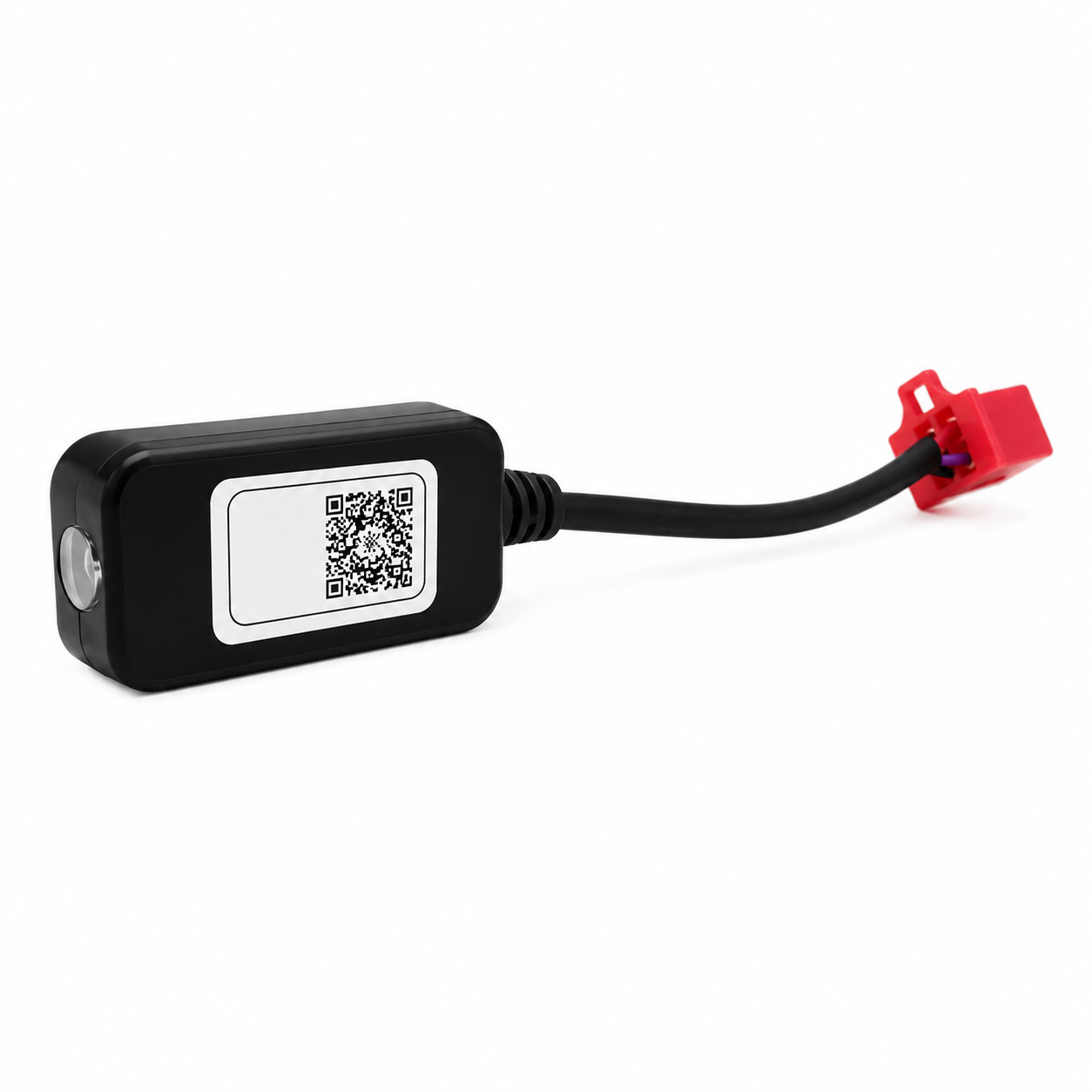
Unlock advanced wireless tuning for your Tuttio Soleil 01 & Yozma with the Fardriver Bluetooth Dongle. This plug-and-play accessory allows you to connect your Fardriver controller directly to the Fardriver mobile app, giving you convenient access to controller settings from your smartphone or tablet.
Fine-tune your riding experience by adjusting throttle response, regenerative braking, speed modes, power delivery, and more—all without connecting a computer.
Features:
- Wireless connection to the Fardriver mobile app
- Quick plug-and-play installation
- Adjust throttle sensitivity and acceleration response
- Configure regenerative braking settings
- Modify speed modes and performance limits
- Monitor and adjust controller parameters directly from your device
- Compatible with Fardriver controllers used on the Tuttio Soleil 01
Installation & Setup
1. Install the Fardriver App
- iOS: Search for Fardriver in the Apple App Store and install the app.
- Android: Search for Nanjing Fardriver in the Google Play Store and install the app.
2. Connect the Bluetooth Dongle
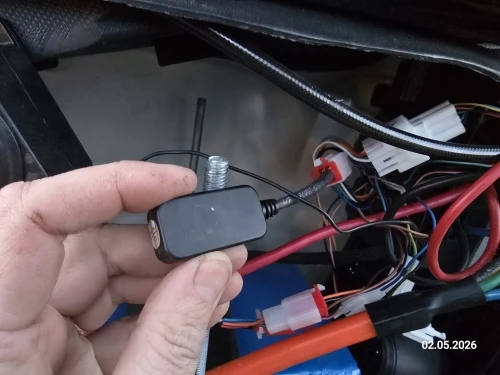
- Locate the white connector on your Tuttio Soleil 01 controller harness.
- Carefully plug in the Bluetooth dongle, ensuring the pins are aligned correctly.
- Push firmly until secure. Do not force the connection.
3. Enable Bluetooth
- Turn on Bluetooth on your smartphone or tablet.
- Keep your device nearby during pairing.
4. Power On the Bike
- Turn on your Tuttio Soleil 01.
- The dongle will receive power once the controller is active.
5. Connect Through the App
- Open the Fardriver app.
- Select Search Device or Connect Device.
- Choose your controller from the available devices list.
- Tap Connect and wait for confirmation.
Controller Adjustments Available
- Throttle response and acceleration tuning
- Regenerative braking strength
- Speed modes and speed limits
- Battery protection settings
- Motor current and controller parameters
Motor Auto-Learn Calibration
After connecting, you can perform an Auto-Learn procedure to calibrate the motor:
- Elevate the rear wheel so it can spin freely.
- Select Auto Learn within the app.
- Allow the motor to rotate forward and backward automatically.
- Wait for the completion message before riding.
Save Settings
- Save or write your settings through the app.
- Power the bike off and back on.
- Test all functions in a safe riding area before normal use.
Important Notice
⚠️ This dongle is only compatible with Fardriver controllers. Incorrect controller settings may affect performance, reliability, or component lifespan. Only modify parameters if you understand their function.
Shipping Information
- In-stock items are typically processed and shipped within 1–3 business days.
- Preorder items may require additional processing time before shipment. Estimated delivery times will vary based on availability.
Share
Works good tuned my em5 pro
Got more speed out of tuttio, recommend for tuttio riders
Haven’t used it but word
Good shipping product worked
I took it to my Elwinn cruiser, everything fit. It was delivered by Ukrposhta in 2 weeks.